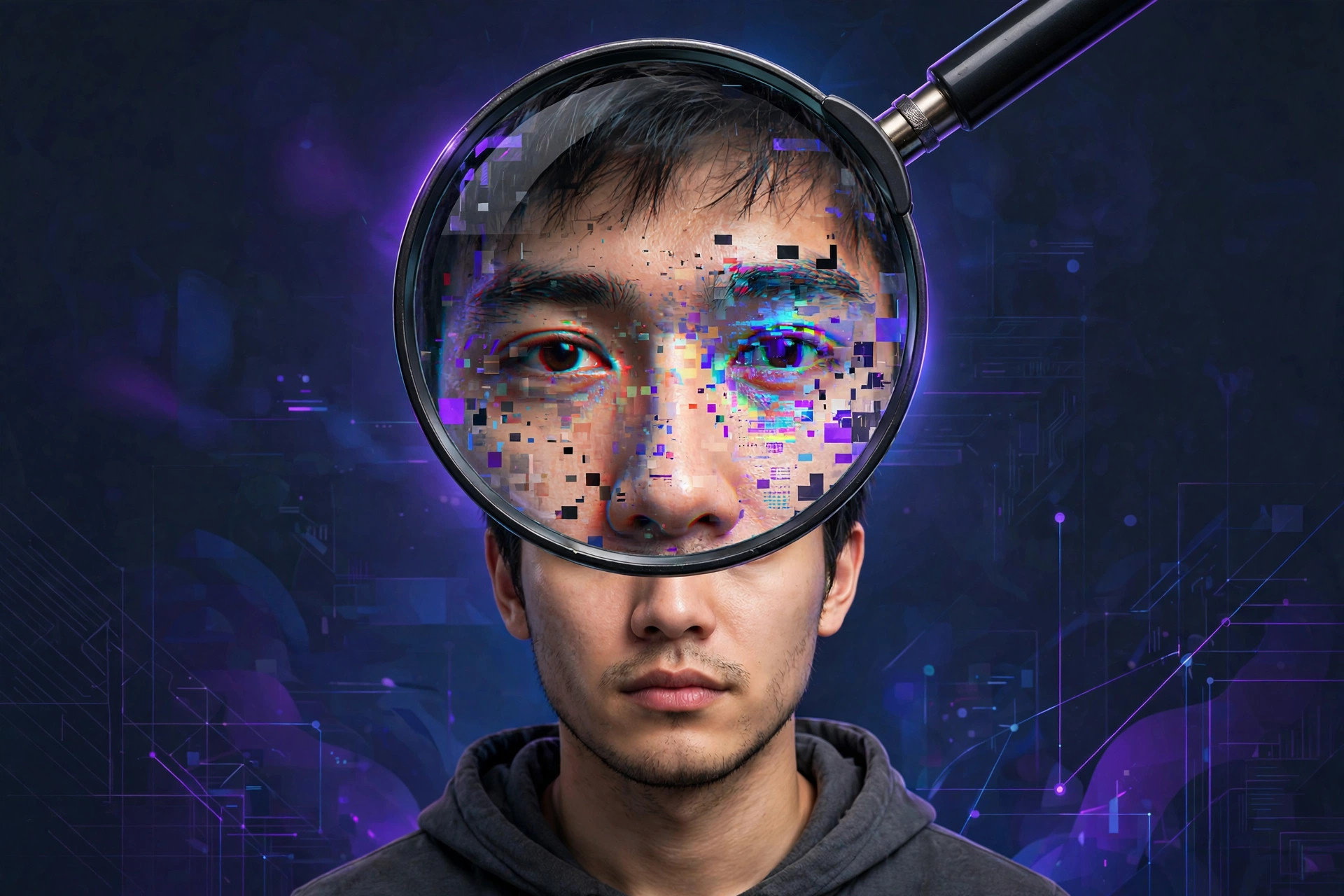
To tell if an image is AI-generated, don't start with pixel-hunting — check where it came from first: reverse-image-search it, look for Content Credentials, and run it through Google's free SynthID Detector (public since October 7, 2026). Then zoom in on hands, text, and lighting. No single check is proof; the source matters most.
Last month my family group chat exploded over a dramatic photo of a flooded street "near our area." Four minutes of checking confirmed it was AI-generated — and the pixels looked fine. What gave it away: no news outlet, no local account, nobody had posted it before that morning. Lesson of 2026: the image itself is the last place you should look, not the first.
Why is spotting AI images so hard in 2026?
Because the old tells are dying. Two years ago you could count fingers and call it a day. Today's models are dramatically better at hands, faces, and text. The giveaways that remain are subtler: not "this looks wrong" but "these details don't agree with each other." A shadow pointing the wrong way. A reflection showing a room that isn't in the photo. Background faces dissolving into a blurry collage. The image isn't ugly — it's inconsistent.
That's why the pixel-first approach fails now. Zoom in hunting for a smoking gun and you'll either miss a good fake or dismiss a real photo over motion blur. There's a better order of operations.
What's the first thing you should check?
Provenance — where the image came from. The single strongest check. Before examining a single pixel:
- Find the earliest source via reverse image search (Google Lens, TinEye). No source, credit, or date? Treat it as unverified, not real.
- Check for Content Credentials. Many cameras and AI tools attach signed provenance data (the C2PA standard). A verified credential tells you what created the file and whether it was edited.
- Sanity-check the context. Does the claimed location or event have independent coverage? Search a distinctive caption phrase plus the location. No corroboration → stays unverified.
Real photos leave trails — a portfolio, a news article, an original post. AI fakes usually have one trail: the post you're looking at.
How do you use Google's SynthID detector?
On October 7, 2026, Google opened its SynthID Detector to everyone — previously limited to journalists and researchers. It's the first free, official tool that checks for invisible AI watermarks, and it's genuinely useful as a second check after provenance:
- Find the official detector — search "Google SynthID Detector" and use Google's own page, not a lookalike.
- Upload the original file — a forwarded or screenshotted copy may have lost the watermark signal. It accepts JPG, PNG, WebP, HEIC, and more.
- Read the result carefully. A found watermark means a participating AI tool touched the file. But no watermark ≠ real — not every generator watermarks, and watermarks can be stripped.
SynthID only catches watermarks from participating tools. An open-source model's output won't trigger it — treat the detector as one input, not a verdict.
What visual clues still work?
When provenance is murky, do the 30-second pass on the largest version of the image you can find:
- Text. Read every visible word letter by letter. AI text looks word-like but dissolves into nonsense up close — still one of the strongest tells.
- Hands. Count fingers you can trace; watch grips and shadows around hands, which still glitch.
- Light and reflections. Pick the strongest light source — shadows and shiny surfaces should agree with it.
- Backgrounds. Distant faces and crowds often melt into smeary collages while the foreground looks perfect.
- Paired items. Earrings, glasses, jewelry — one side styled differently from the other is a classic slip.
One oddity is a reason to investigate, not a conviction. Compression, wide-angle lenses, and ordinary retouching create similar artifacts. For a solid walkthrough of this checklist approach, Microsoft's guide to spotting AI images covers the same ground with good examples.
Why shouldn't you trust AI detectors blindly?
Because they're wrong in both directions — and false accusations are the real harm. "AI or not" detectors have flagged genuine photographs as fake, so a score is never proof. Can't verify the source? Say "unverified" — don't say "fake." Real photographers have had work smeared by confident-sounding percentages.
The bottom line: reverse-search first, check credentials second, run SynthID third, eyeball details fourth — and when in doubt, don't forward it. That flooded-street photo died in our family chat the moment someone asked "who took this?" Nobody could answer. Case closed.
The bottom line
Spotting AI images isn't about sharper eyes — it's about process. Provenance beats pixels, and "unverified" is always an acceptable answer. Our guide to AI image generation and online safety basics are good next reads.
Frequently asked questions
What is the most reliable way to check if an image is AI-generated?
Check provenance — the source, earliest publication, and Content Credentials. A verifiable origin beats a visual guess every time.
Is Google's SynthID Detector free?
Yes — public since October 2026. Upload an image, video, or audio file and it checks for an invisible SynthID watermark from participating AI tools. A walkthrough of the SynthID checker covers the formats and limits.
Can AI detectors prove an image is real?
No. A clean result doesn't prove authenticity — watermarks can be stripped and not all generators watermark. Never use a detector score to accuse someone of faking a photo.
Do AI-generated images still have bad hands?
Less often — newer models handle hands much better. Check text, lighting, and backgrounds instead, and always verify the source.