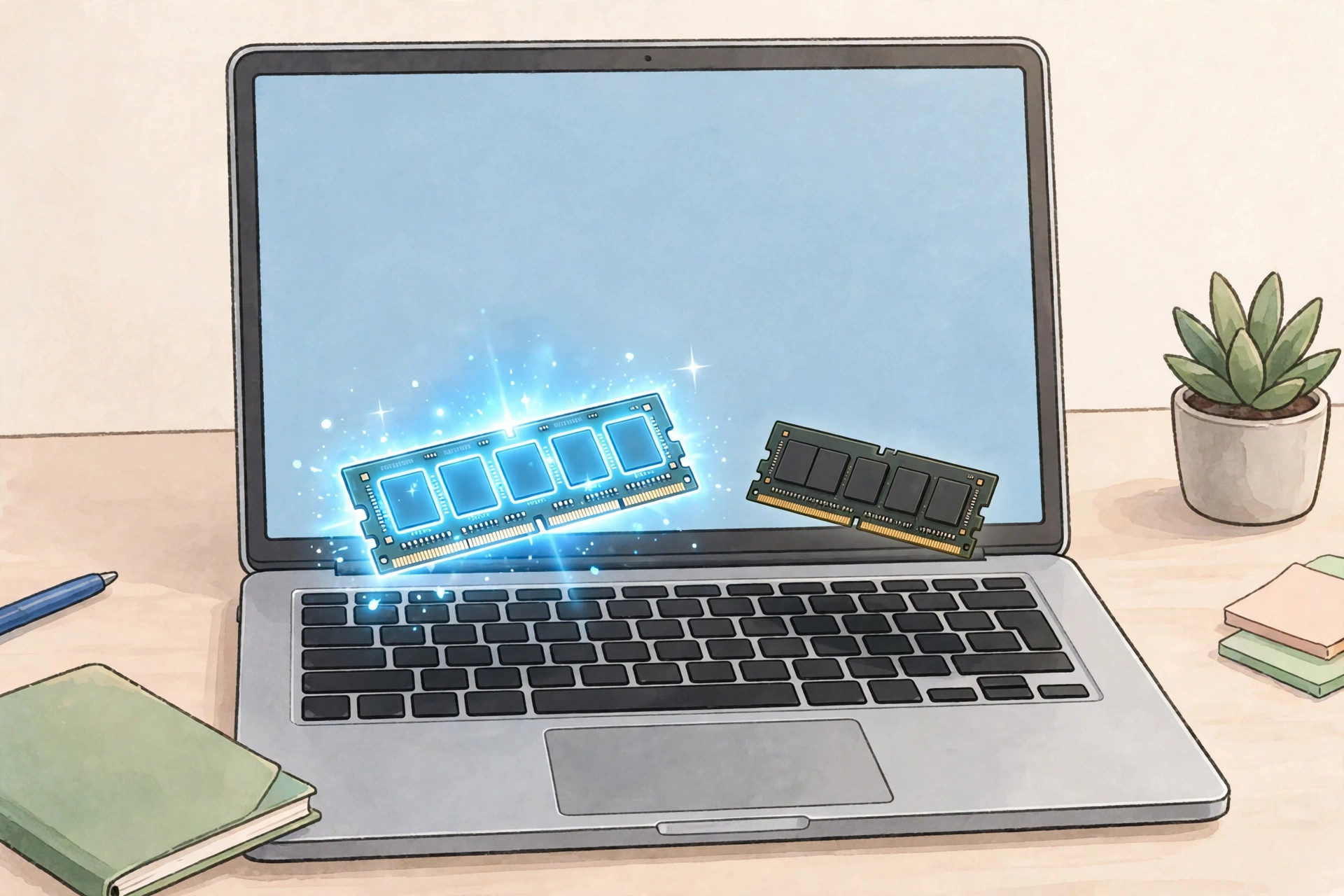
For light use — browsing, email, streaming, documents — 8GB is still fine in 2026. But most buyers should get 16GB: it's the sweet spot for students, multitaskers, and anyone keeping a laptop 3+ years, and 2026's AAA games and AI features list 16GB as the minimum. Check your own usage with the 2-minute test below before you buy.
A cousin messaged me last week: "This laptop deal looks amazing — $399, 8GB RAM. Should I grab it?" It's the question behind half the laptop searches on Google — is 8GB RAM enough in 2026? — and the honest answer is the annoying one: it depends who you are. Here's the no-fluff version: who 8GB works for, who'll regret it, and a two-minute test to check which you are.
The Short Answer: Most People Should Get 16GB
Let's get the verdict out of the way: 16GB is the 2026 sweet spot. Newegg's 2026 RAM guide calls 16GB the practical target, noting 8GB "starts to feel tight within a couple of years" — and most thin laptops solder memory now, so the checkout decision is permanent.
But 8GB isn't dead — it's genuinely fine for light use, and 8GB laptops are cheaper than ever. The trick is being honest about which user you are.
Who Is 8GB Actually Fine For?
8GB works if your computer life is: a browser with a handful of tabs, email, streaming, Word or Docs. That's it. Chromebooks too — ChromeOS is far lighter than Windows, so 8GB goes further — plus kids' homework machines and secondary travel laptops.
If that's all you do, save the money — a $399 8GB machine for email and Netflix is a good deal, not a trap. The trap appears when usage grows past that list.
Who Will Regret 8GB Within a Year?
Pretty much everyone else:
Students. Twenty tabs plus Word plus Zoom eats 8GB for breakfast. For college, 16GB isn't a luxury, it's the baseline.
Tab hoarders and multitaskers. Forty "read later" tabs plus Spotify plus Slack is a 16GB workload wearing an 8GB disguise.
Creators and developers. Photo/video editing and programming assume 16GB now — and 2026's AAA games list it as minimum spec.
Anyone keeping the laptop 3–4 years. Software only gets hungrier: 8GB that's fine today feels cramped in year three, and you can't upgrade then.
Cruel part: 8GB feels fine on day one. The slowdown creeps in months later, when returning it isn't an option.
What About MacBooks? They Play by Different Rules
Macs use unified memory — one fast pool shared between CPU and GPU, managed aggressively by macOS. In practice 8GB on a Mac behaves like 10–12GB on Windows, so for light-to-moderate use on a MacBook Air, 8GB is honestly fine.
But the same ceiling applies higher up the ladder — video editing, software development, heavy multitasking on a Mac still wants 16GB. And Apple charges a painful premium for the upgrade, which is exactly why you should decide before you buy, not after.
The 2-Minute Test: Check What YOU Actually Use
Your current usage is the answer. Two minutes:
On Windows: press Ctrl+Shift+Esc, open the Performance tab, click Memory — during a normal heavy session. If "In use" regularly tops 6.5–7GB, you're at the edge and your next laptop needs 16GB.
On Mac: open Activity Monitor, click Memory, and check the Memory Pressure graph: green is fine, yellow or red means more RAM would help.
Run this before shopping — it beats every buying guide, including this one.
What to Actually Buy: $300 vs $600 vs $1,000
Around $300: Chromebooks or budget Windows machines with 8GB. Fine for light or secondary use — don't expect it to grow with you. See our 2026 gadgets guide for the tier's standouts.
Around $600: the sweet spot. 16GB RAM plus 512GB SSD is findable — Newegg's back-to-school picks list an ASUS Vivobook 15 Touch with 16GB at $619.99. This is where I'd point most buyers.
Around $1,000: 16GB minimum, 32GB for video editing or coding. You're paying for screen, build, and battery here — make sure the RAM keeps up.
The 2026 Wrinkle: AI PCs Want More Memory
New this year: Copilot+ PCs and on-device AI reserve memory for themselves. Want the AI features printed on the box? 8GB won't cut it — they're built assuming 16GB (our machine learning explainer covers what on-device AI actually does). AI is another mouth to feed; our AI tools guide covers what's worth using.
Most thin laptops solder their RAM — you can't add more later, ever. So buy for the person you'll be in three years, not the person you are today. The $100–150 extra for 16GB now is far cheaper than replacing the whole laptop in year two.
Frequently Asked Questions
Can I upgrade the RAM later if 8GB isn't enough?
Usually not — most thin laptops solder RAM to the board, so the decision is permanent. Some gaming and business laptops have upgradeable SODIMM slots; check before you buy.
Is 8GB RAM enough for a student?
For essays, browsing, and video calls: yes. For engineering, CS, or design coursework: get 16GB — a laptop lasting all four years beats one replaced in year two.
Will more RAM make my laptop faster?
Only if you're running out. Upgrading when you never exceed 6GB changes nothing; when you're maxed out, it's night and day — that's what the 2-minute test tells you.
Does 16GB use more battery than 8GB?
Negligible — your screen and processor dominate battery drain. Ignore it in this decision.