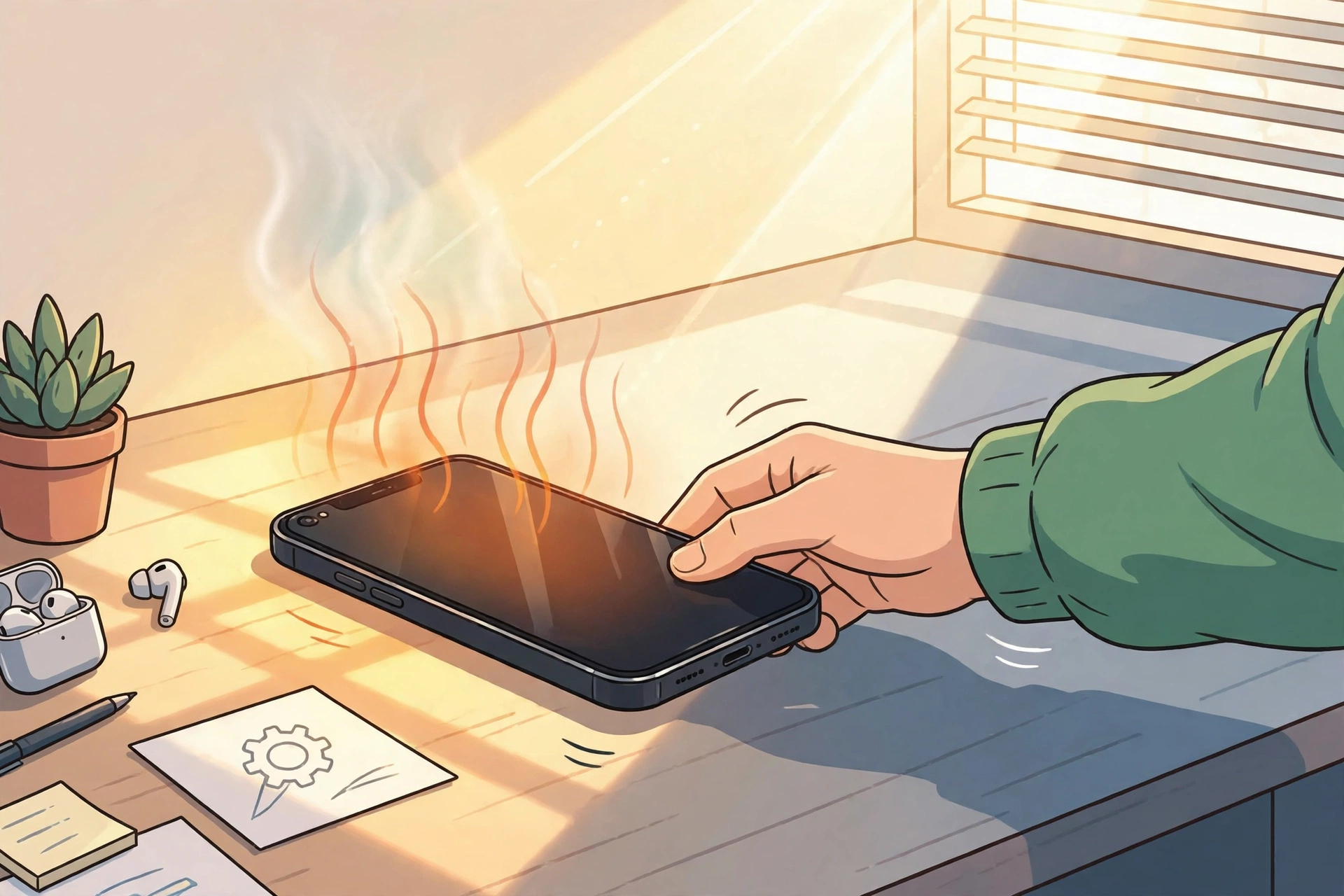
Stop heavy use, take the phone off charge, remove the case, and move it somewhere cool and shaded for a few minutes. If it cools down and stays cool, the cause was probably workload, charging, or sunshine. If it heats up again while idle, check battery health and background apps — or get it looked at.
You pick up your phone and it feels wrong — hot through the case, screen dimmed on its own, maybe a warning on screen.
Is It Normal for a Phone to Feel Warm?
Mild warmth is normal when a phone is working hard: gaming, video calls, navigation, 4K recording, and fast charging all push the processor — the phone's CPU, its main brain — and the battery at once. Apple says iPhones are designed to work in ambient temperatures between 0 °C and 35 °C, so on a hot day, in a car, or in direct sun, even a healthy phone can cross from warm into hot.
What is not normal is heat that sticks around. A phone that is too hot to hold comfortably, slows itself down, dims the screen without being asked, shuts down, or stays hot while doing nothing on a table — that is a fault or a runaway app, not normal use. See Avast's guide to why phones get hot and Best Buy's tips for overheating phones.
Where Exactly Is the Heat Coming From?
Where the heat sits is your best clue, because different parts heat up for different reasons. Heat near the top of the back usually points at the processor working hard — a game, a video export, or an app stuck in a loop. Heat near the bottom or charging port usually points at charging: a fast charger, a damaged cable, or heavy use while plugged in.
Heat spread evenly across the whole back often means the battery itself, especially on an older phone.
How Do I Cool My Phone Down Right Now?
To cool a phone down fast, stop what is generating the heat and give the phone an easy way to shed it. Close the heavy app, take the phone off charge, slip the case off — thick cases trap heat — and put it in the shade, screen down, for a few minutes. Turning on airplane mode helps too, because it stops the radios hunting for signal, which is quiet but constant work.
- Stop heavy use. Pause the game, the video call, or the navigation.
- Unplug it. Charging adds heat on top of everything else.
- Remove the case. Let air reach the back of the phone.
- Move to shade. Never leave it on a car dashboard or a sunny windowsill.
- Airplane mode for 5 minutes. Cuts background radio work while it cools.
Why Does My Phone Keep Overheating?
A phone that keeps overheating usually has one of a handful of causes, and they stack: two mild causes together feel like one serious fault.
- Too much at once. Gaming while charging, on full brightness, with navigation running — each adds heat, and together they overwhelm a phone designed to cool passively, with no fan.
- A runaway app. Check battery usage in Settings: one app using a huge share while you barely opened it is the usual culprit. Update it, restrict its background activity, or delete it.
- Sunshine and hot rooms. A phone left in a parked car can pass safe temperatures in minutes. Shade is not optional in summer.
- Cheap or damaged chargers. A frayed cable or an uncertified charger can deliver power badly and heat the port.
- Outdated software. Bugs make processors work harder than they should. Updates often fix exactly this, so check for one before blaming hardware.
- An ageing battery. Batteries lose capacity with age and heat, and a worn battery works harder for the same result. On iPhone, Settings, then Battery, then Battery Health shows maximum capacity as a percentage; Apple treats below 80% as degraded, a sensible warning line for any phone.
- Too many background features. Always-on location, Bluetooth, and hotspot use add steady heat. Switch off what you are not using — our battery versus AI features guide shows how background AI services add to the same drain.
Check battery usage before spending money — it takes thirty seconds and it is free.
If storage pressure is also slowing things down, our iPhone storage guide helps, and if the heat started after a strange call or message, read how to spot an AI voice cloning scam call before trusting anything on the phone.What Should I Never Do to a Hot Phone?
Never put a hot phone in the fridge or freezer, and never pour cold water over it. The sudden temperature drop can crack the screen, and condensation can form inside the phone where you cannot see it — both guides linked above warn about this, and repair shops see the damage every summer.
Also do not keep charging a phone that is already extremely hot, and do not ignore repeated overheating warnings hoping they go away. Let it cool slowly, in the shade, at room temperature. Boring, but it works.
When Does a Hot Phone Need Repair?
A hot phone needs repair when the heat points at hardware rather than habits. Book a repair straight away if the battery looks swollen, the screen is lifting away from the frame, the phone stays hot while switched off, or it heats up within minutes of idle use after a restart with no apps open.
A battery replacement is usually the fix for an old phone that overheats and drains fast — it is far cheaper than a new handset. But a swollen battery is different: stop using the phone, do not charge it, and take it to a repairer promptly, because a swollen lithium-ion battery can be a safety risk. If the phone is still under warranty, go through the manufacturer first; a heat fault on a nearly new phone is their problem, not yours.
Frequently asked questions
Is it normal for a phone to feel warm?
Yes, mild warmth during charging, gaming, or video calls is normal. It becomes a problem when the phone is too hot to hold comfortably, throttles, shuts down, or stays hot while idle.
What is the fastest safe way to cool a phone down?
Stop heavy use, take it off charge, remove the case, move it to the shade, and turn on airplane mode for a few minutes. Never use a fridge or freezer — the sudden cold can crack the screen and cause condensation inside.
Can a hot phone damage its battery?
Yes, repeated heat ages a lithium-ion battery faster and cuts its capacity over time. Apple treats an iPhone battery below 80% maximum capacity as degraded, which is a useful warning line for any phone.
When should a hot phone go to a repair shop?
Straight away if the battery looks swollen, the screen is lifting, or the phone stays hot while switched off or idle. Those signs point to a battery or hardware fault, not a settings problem.